 SleekPost
Post everywhere
from your AI agent
SleekPost publishes and schedules your posts on X, LinkedIn, Instagram, TikTok, YouTube and 5 more networks. Plan them in a visual calendar, or let your AI agent handle it over MCP.
Unlimited posts · Cancel anytime






> Share the launch screenshot on LinkedIn, X and Bluesky tomorrow at 9am New York time.
⏺ sleekpost · list_accounts
⎿ 10 connected accounts
⏺ sleekpost · create_post
⎿ Scheduled for tomorrow · 9:00 AM ET
✓ LinkedIn ✓ X ✓ Bluesky
Bluesky text shortened to fit 300 characters
Done. All three are scheduled; you can review them in the SleekPost calendar.
Creators get their evenings back
saved every week by an average active user
saved per user each year at that pace
posts published with SleekPost so far
Who is SleekPost for?
Creators & founders
Write once and publish to every network you use. No more pasting the same post into ten apps every morning.
AI-first builders
Connect Claude Code, Cursor, Codex or Claude Desktop over MCP. Your agent drafts, schedules and checks results for you.
Small teams
Invite teammates as admins, editors or viewers and choose exactly which accounts each person can post to.
See SleekPost in action
Thirty-second tours of the dashboard, recorded in the real product.
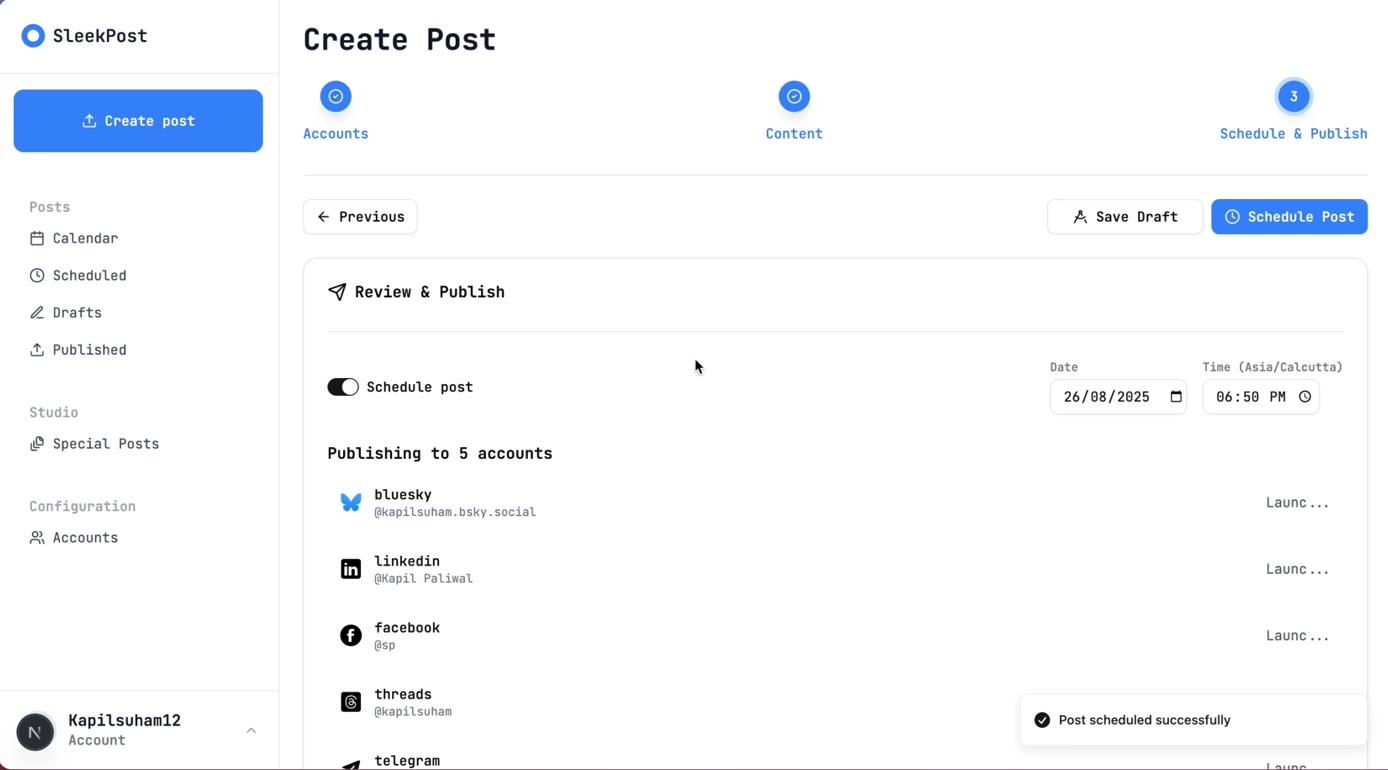
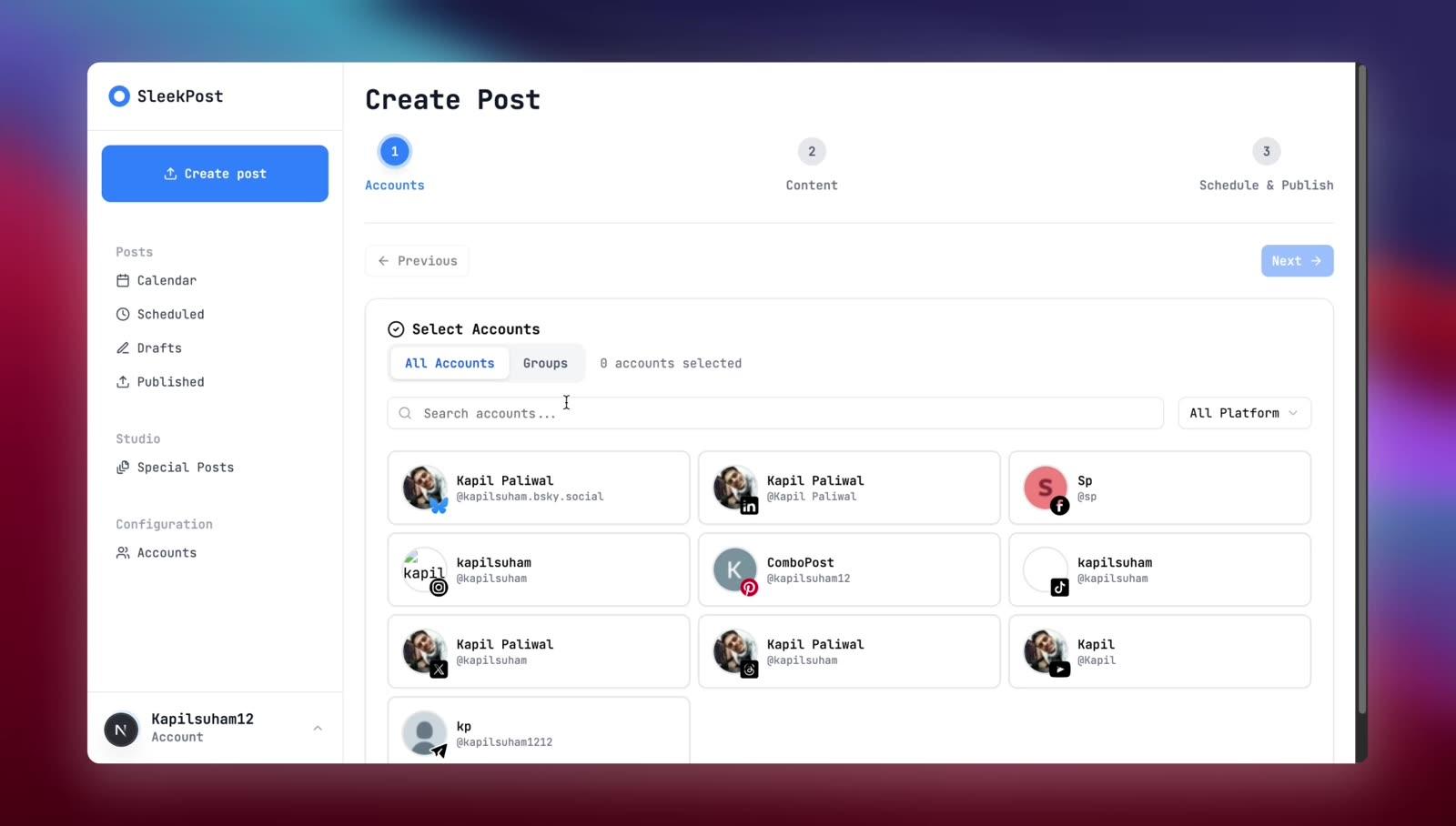
Publish now or pick a time. One post goes out to every account you chose.
Works with the AI you already use
SleekPost is a remote MCP server and a REST API. Plug it into your agent and it can post for you, with the same rules and checks as the dashboard.
Claude Code, Codex & Gemini CLI
One command, and your terminal agent can draft, schedule and check posts.
# one-time setup
claude mcp add --transport http sleekpost \
  https://sleekpost.com/mcp \
  --header "Authorization: Bearer $SLEEKPOST_API_KEY"

# then just ask
> Turn this week's changelog into posts for X and
  LinkedIn and schedule them for Tuesday at 10am.
Cursor & VS Code
Add the server to your MCP settings, then ask for a post right from the chat panel.
{
  "mcpServers": {
    "sleekpost": {
      "url": "https://sleekpost.com/mcp",
      "headers": { "Authorization": "Bearer …" }
    }
  }
}
Claude Desktop
Ask in plain language. Drafts land in your dashboard for approval.
Draft three LinkedIn posts about our launch and save them as drafts.
sleekpost · create_post × 3
Done. Three drafts are waiting for your review in SleekPost.
Your own code, n8n or Make
A plain REST API with an OpenAPI spec. Anything that can send an HTTP request can post.
curl -X POST https://sleekpost.com/api/v1/posts \
  -H "Authorization: Bearer $SLEEKPOST_API_KEY" \
  -H "Content-Type: application/json" \
  -d '{"text": "We just shipped dark mode",
       "account_ids": ["…"],
       "scheduled_at": "2026-12-01T15:00:00Z"}'
Built so agents get it right
Agents make mistakes. SleekPost catches them before your followers see anything.
Rules checked first
Character limits and media rules for every network are checked before anything goes live.
Drafts for review
Agents can save drafts that you approve and publish from the dashboard.
Safe retries
Idempotency keys mean a retried request never posts the same thing twice.
You hold the keys
Create and revoke API keys any time. Agents never see your social passwords.
Everything you need to grow, in one place
Schedule everywhere at once
Write a post once, pick your accounts and a time. SleekPost publishes it everywhere and keeps your calendar up to date.
Make every network feel native
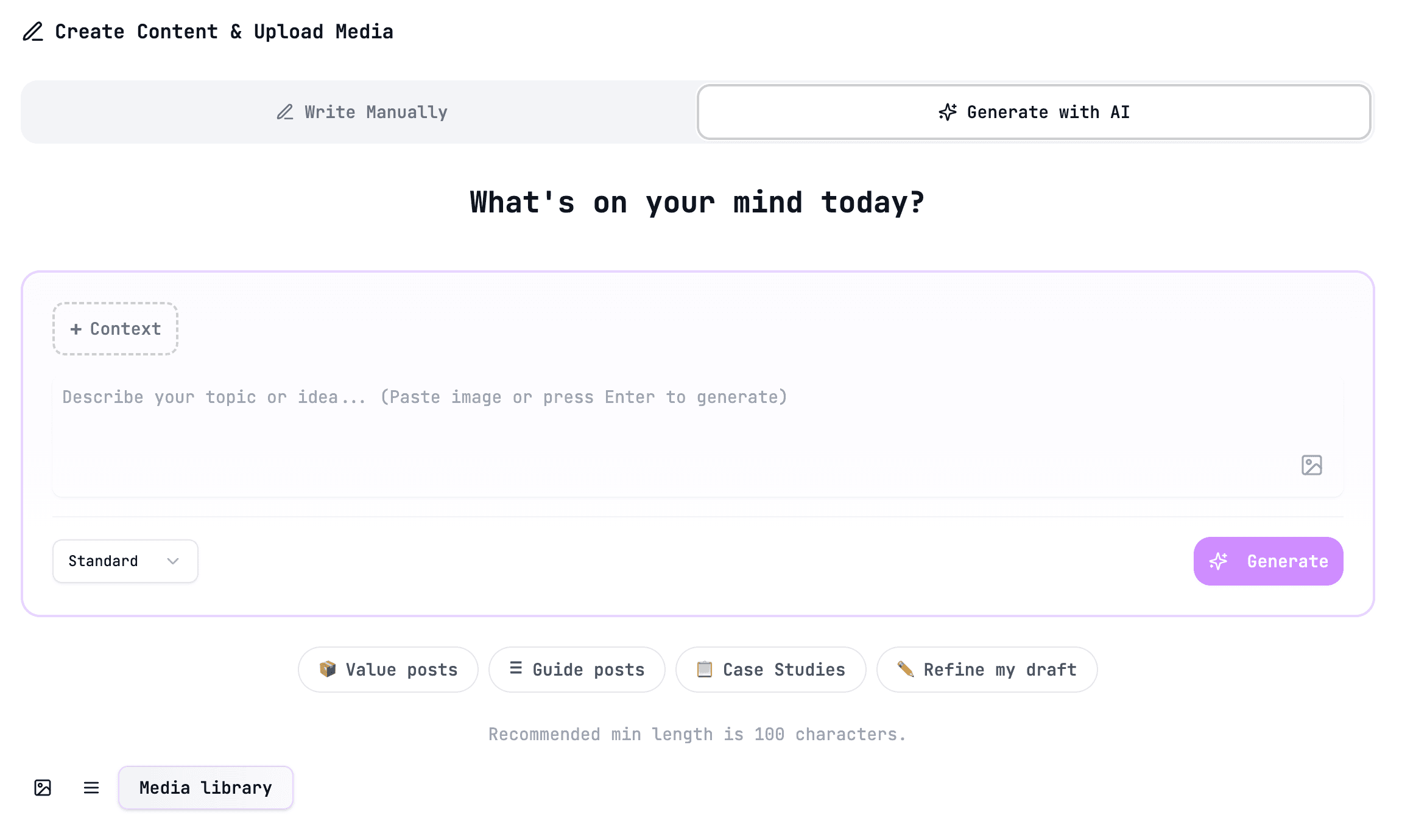
Give each account its own text: keep the X version short and let the LinkedIn version tell the whole story.

Dark mode is here 🌙 Try it today →
38 / 280
We shipped dark mode today. Here is what we learned while building it, and what we would do differently…
1,204 / 3,000
Dark mode is live 🌙 Your eyes will thank you.
46 / 300Built for teams
Invite teammates, give each one a role, and choose which accounts they can post to.

Turn videos & articles into posts
Paste a YouTube link or an article and get posts written for each network, in your own writing style.
Recurring posts & auto-reposts
Evergreen posts go out again on a schedule, and good posts get a second wave with automatic reposts.
- Mon 09:00Published ✓
- Wed 18:00Auto-repost
- Every 7 daysRecurring
Images, carousels & video
Upload files up to 500 MB, reuse them from your media library, and publish carousels and reels.
Ready to put your socials on autopilot?
Connect your accounts and schedule your first post in a few minutes.
Wall of love
What makers and creators say about SleekPost on X.
Tried @sleek_post today… finally a tool that doesn’t make me hate scheduling. Cheaper than Buffer, smoother than coffee!

Clean interface, fair pricing, actually works. Everything other tools promised but never delivered.

@sleek_post Game-changer for my social media workflow. SleekPost saved me 2 hours every single day. Now I batch my content once and it goes everywhere automatically!

@sleek_post Most affordable alternative to expensive paid cross platform tools. Loved by creators


Hey 👋, I'm Kapil
For more than a year I spent over an hour every day posting the same content to every network to promote my small SaaS. I built SleekPost so creators, marketers and founders can stay consistent without juggling tabs or re-uploading the same post ten times.
No more copy-paste. No more forgotten posts. Just your message everywhere it needs to be.
Simple pricing, unlimited posts
Every plan starts with a 7-day free trial and includes the API and MCP server for your AI agents.
STARTER
$64.8 billed yearly, you save $43
- 5 connected social accounts
- Multiple accounts per platform
- No team member seats
- Unlimited posts
- Unlimited Schedule posts
- Unlimited Carousel posts
- Media Library access
- 500MB large file uploads
Cancel anytime
PRO
Most popular$136.8 billed yearly, you save $91
- All Starter features included
- Unlimited connected social accounts
- 1 team member seat
- Team integration access controls
- Unlimited Recurring posts
- Unlimited Auto Reposts
Cancel anytime
PREMIUM
$280.8 billed yearly, you save $187
- All PRO features included
- 3 team member seats
- Advanced team permissions
- AI Content Generator
- Multiple post variations
- AI Analytics insights(coming soon)
Cancel anytime
Frequently asked questions
Something else? Email us.
- Currently we support Twitter/X(BYO), Instagram, LinkedIn, Facebook, TikTok, YouTube, Bluesky, Threads, Pinterest for scheduled posting and instant posting. To see all platforms we offer and that are coming soon click here. If you have a request please feel free to email us.
Depends on your plan, see the pricing section for more details... You will not find a more fair price anywhere else.
Social accounts are accounts of supported social media platforms. For example: Connecting your instagram account = connecting 1 social account.
Yes. Example: Starter plan can connect 5 total accounts, all of them can be tiktok accounts, or 3 of them could be tiktok and 2 instagram accounts for their cap of 5.
- All paid plans include unlimited posting and scheduling. Your 7-day trial includes the features of your selected plan.
- Our article quality varies compared to human writers - sometimes matching average human quality, sometimes falling short, and occasionally exceeding it. We continuously improve to consistently meet or exceed human-level writing across all topics, though results currently depend on your specific audience, subject matter, and requirements.
- You can create and schedule various types of posts including: videos, images, text posts, carousels (multiple images), and reels. This gives you the flexibility to share all types of content across your social media platforms.
- No, you will have the same reach as if you posted manually. We understand you may be wary that the algorithm favors manual posting, we were too! However, under our own testing we have found no difference in reach between manual posting and posting from sleekpost.
- Yes! You can request a refund within 7 days of being charged. Just reach out by email in this time frame.
- Yes, there's no lock-in and you can cancel your subscription at anytime of the month. When cancelling it will cancel at the end of your current billing period; you can still use the pro features until the end of your billing period.
- You can upgrade or downgrade your plan at anytime by going to the billing page & opening you billing portal. At portal you have to select the plan you want to upgrade or downgrade to. Click on manage order and then click on update plan.
- Cool, contact us by support@sleekpost.com 👋
Your next post can go everywhere.
Start the 7-day free trial today. Cancel anytime.