Monday morning, you sit down with five post ideas, a client brief, and a scheduling queue that still needs filling. You can probably get an AI tool to write captions. The harder part is turning those captions into approved, channel-specific posts with the right visuals, links, and publishing times.
The best AI content generator depends on where your content gets stuck. Most comparison lists treat writing as the whole job. They don't distinguish between needing a better first draft and needing fewer steps between an idea and a published post.
That distinction matters more than a polished demo. A general chatbot can help you explore an angle, but it won't necessarily help you manage a client calendar. A generator inside a design tool can shorten production without replacing your scheduler.
The recommendations below prioritize use-case fit, free access, brand controls, and workflow depth. Jump straight to the tool that matches your setup rather than treating the order as a universal quality ranking.
Choose the tool that removes your slowest handoff, not the one that writes the most impressive sample paragraph.
For search-led content, SemDash on SEO and AI visibility offers a complementary perspective. Generating copy and deciding what deserves visibility are separate jobs.
Table of Contents
- 1. SleekPost
- 2. Buffer AI Assistant
- 3. ChatGPT
- 4. Jasper
- 5. Copy.ai
- 6. Anyword
- 7. Canva Magic Write
- How the 7 AI Content Generators Compare on Access, Cost Entry Points, and Best Use
- Match the Tool to Your Workflow, Then Test One Week
1. SleekPost
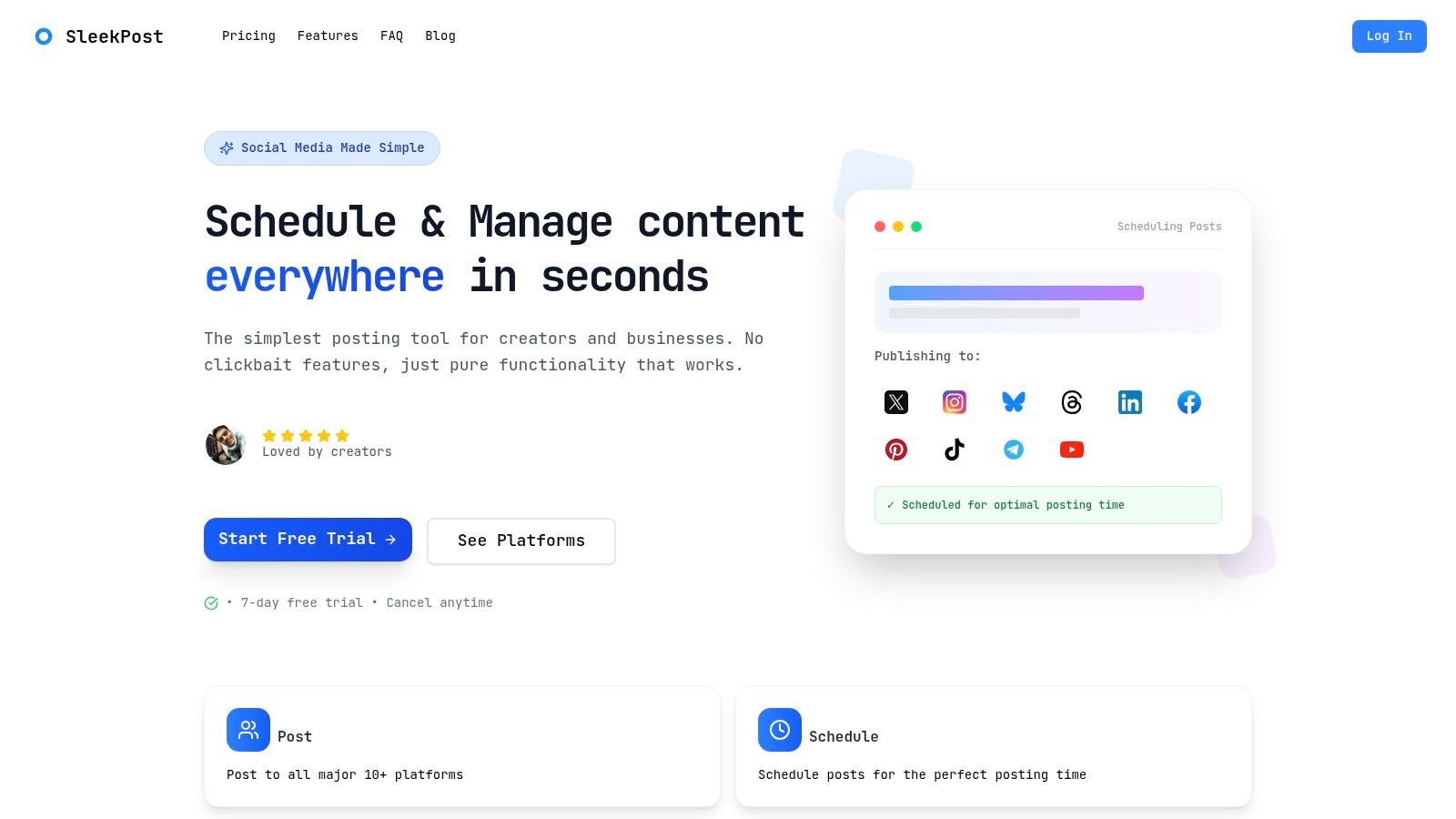
Best for creators, small businesses, and agencies that need drafting and publishing in the same workspace.
SleekPost makes the most sense when you already have something to say but lose time preparing it for different networks. Its AI Content Generator turns links or prompts into platform-specific social drafts. You can then edit the copy, customize media, and schedule the finished posts without moving everything into another publishing tool.
Say a SaaS founder wants to promote a product tutorial. The useful output isn't an identical caption everywhere. It's a professional LinkedIn explanation, a concise X post, and an Instagram caption that makes sense alongside the visual.
SleekPost connects that drafting task with a clean scheduling dashboard. Its support for text, images, videos, reels, and carousels makes it relevant to creators whose publishing mix extends beyond written updates.
Where the workflow advantage matters
The practical benefit is continuity. You can keep the source idea, channel adaptations, media, and publishing work close together instead of maintaining a separate document full of captions awaiting transfer.
- Channel customization: Adjust copy and media for each destination rather than distributing the same post unchanged.
- Repeat publishing: Use recurring posts and auto-reposts for evergreen material, with regular checks for outdated details.
- Asset reuse: Keep reusable visuals in the media library so batch production doesn't begin with another file search.
This approach addresses a real operational gap. The Content Marketing Institute and MarketingProfs' 2025 benchmark found that 81% of surveyed global B2B marketers use generative-AI tools, but only 19% reported integration into daily workflows.
What to check before committing
Don't confuse platform-optimized drafts with publication-ready content. Review factual claims, opening lines, calls to action, and references that won't make sense without the original article or video.
Check connected-account allowances, team access, and billing terms against your actual workload. Paid plans include unlimited posts, but posting capacity isn't the same as unlimited client accounts or editorial collaboration.
SleekPost is the strongest starting point here for social-first users who want fewer handoffs, not a more elaborate writing environment.
Skip it if your main deliverable is long-form editorial content, or you need complex enterprise governance rather than a lightweight social publishing workflow.
2. Buffer AI Assistant
Best for social creators who want free access to AI drafting alongside a publishing queue.
If Buffer already holds your content calendar, Buffer AI Assistant is a sensible place to start. It drafts, rephrases, shortens, and expands social copy inside Buffer's content-creation and publishing workspace. The free account includes access to the assistant, making it useful for testing whether integrated drafting really helps you.
Its strongest use isn't asking for a complete strategy. It's improving a post while you're already preparing to publish it. Shorten a rambling introduction, clarify a takeaway, or adapt a draft's tone without opening a separate writing app.
Keep the assistant close to the edit
A small business owner might begin with a rough announcement about a new service. Buffer can help make that announcement clearer, but the owner still needs to supply the actual offer, availability, and next step.
- Useful refinement: Ask for a clearer opening or tighter explanation instead of requesting vague improvements.
- Deliberate control: You invoke the assistant when needed. It doesn't rewrite your scheduled posts without your say-so.
- Practical limitation: Social copy is the focus, not research-heavy articles or complex campaign documentation.
The trade-off is scope. Buffer reduces switching between drafting and scheduling, but it won't replace a dedicated editorial process for material that needs extensive sourcing or subject-matter review.
If publishing friction is the bigger problem, compare the scheduling experience before judging the writing assistant. This guide to choosing a social media scheduler app can help you separate calendar requirements from generation features.
Skip it if you mainly need long-form writing, or your existing publishing tool already handles social drafting well enough.
3. ChatGPT
Best for flexible drafting, brainstorming, and iterative editing across different content formats.
ChatGPT suits the creator who needs a blog outline in the morning, an email revision later, and social captions before publishing. Its conversational interface makes it easy to change direction. You can ask for a different argument, remove jargon, or rewrite a passage for a specific audience.
The flexibility comes with a responsibility: you supply the structure. A broad request for engaging content leaves too many decisions unspecified. Include the audience, purpose, source material, format, and claims the draft must avoid.
Practical rule: Give the assistant approved facts before asking it to write persuasive copy.
Drafting flexibility without a publishing system
For a product launch, start with a factual brief rather than a request for a complete campaign. Develop the central message, revise it, and then request channel-specific adaptations. That sequence makes it easier to catch a weak premise before it spreads across every asset.
Free access makes ChatGPT approachable for experimentation. Features such as file uploads, web search, and custom GPTs depend on availability and plan, so check the capabilities your repeat workflow actually requires.
The main trade-off is handoff work. ChatGPT isn't a social scheduling tool, and a good conversation doesn't automatically become an organized production calendar. You'll still need somewhere to manage approvals, assets, and publishing.
Creators comparing general assistants can explore a ChatGPT free alternative. Teams evaluating a shared conversational workspace can also consider whether they could simplify team workloads with 1chat.
Skip it if you want enforced brand settings and a ready-made publishing process rather than a flexible drafting workspace you organize yourself.
4. Jasper
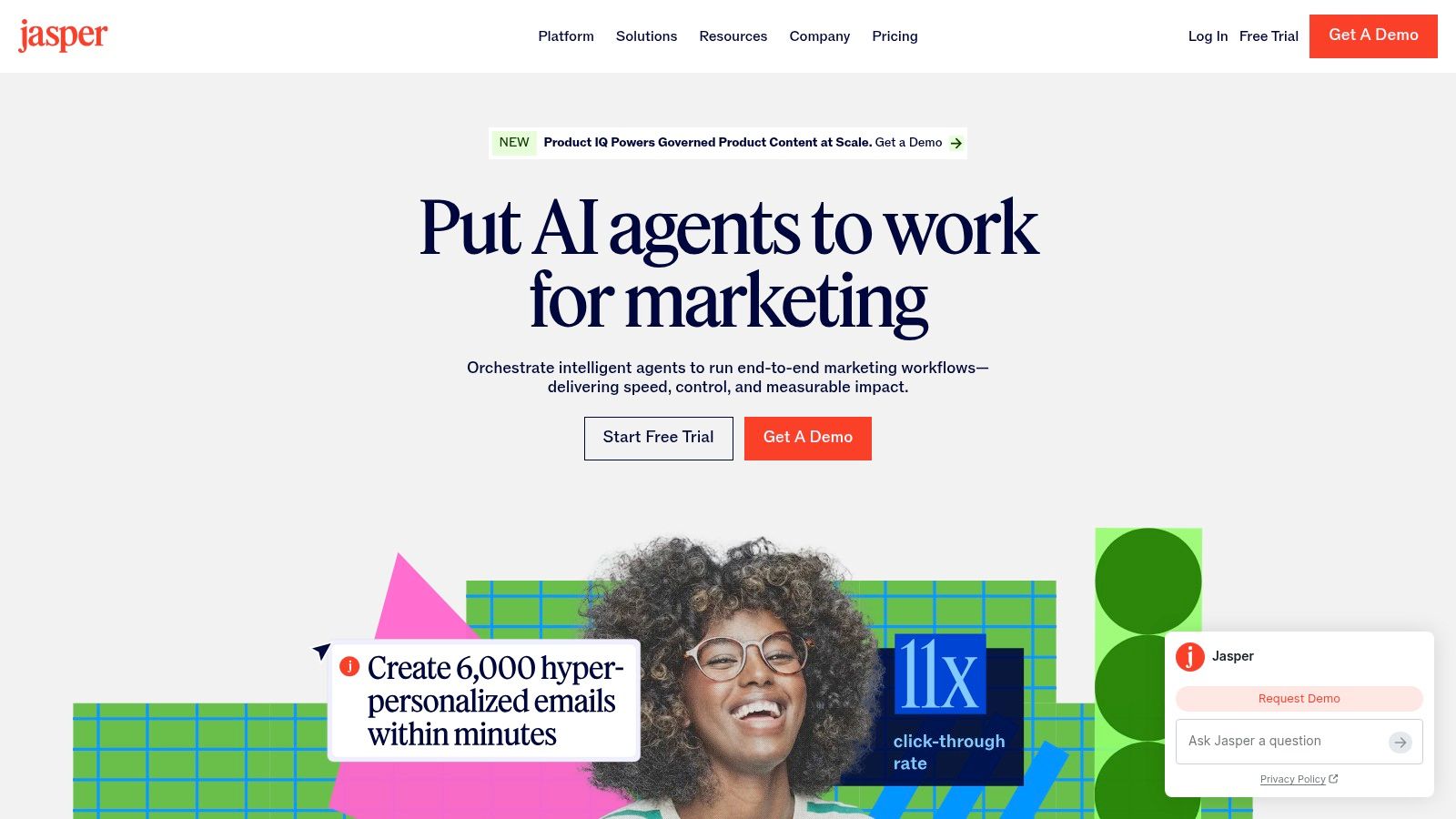
Best for marketing teams that need shared brand and audience guidance.
Inconsistent briefs produce inconsistent copy. Jasper addresses that problem through a marketing-focused workspace with Brand Voice, audience profiles, Knowledge assets, and configurable workflows. Its Canvas workspace gives teams a place to create and revise content with that context available.
The important distinction isn't that Jasper can write a caption. It's that a team can establish reusable guidance instead of asking every contributor to rebuild the same prompt.
Brand controls need a brand owner
A marketing lead should prepare approved messaging before configuring the platform. Include product descriptions, audience concerns, preferred terminology, and examples of acceptable claims. A collection of old content isn't automatically a useful brand reference.
- Strong fit: Teams producing campaign assets across contributors and content formats.
- Useful controls: Shared voice and knowledge settings can reduce repeated briefing.
- Operational cost: Someone still needs to maintain those settings when positioning or product details change.
Jasper's richer setup is harder to justify for occasional captions. Compare the available trial and paid-plan terms with the amount of shared production you actually manage, not with the number of features on the page.
Brand consistency also doesn't establish factual accuracy. A sentence can sound perfectly on-brand while describing an unavailable feature or unsupported benefit. Keep claim review separate from tone review.
For social-focused teams, this guide to an AI social media content generator can help distinguish writing controls from publishing requirements.
Skip it if you're a solo creator with straightforward copy needs and no recurring problem maintaining brand consistency.
5. Copy.ai
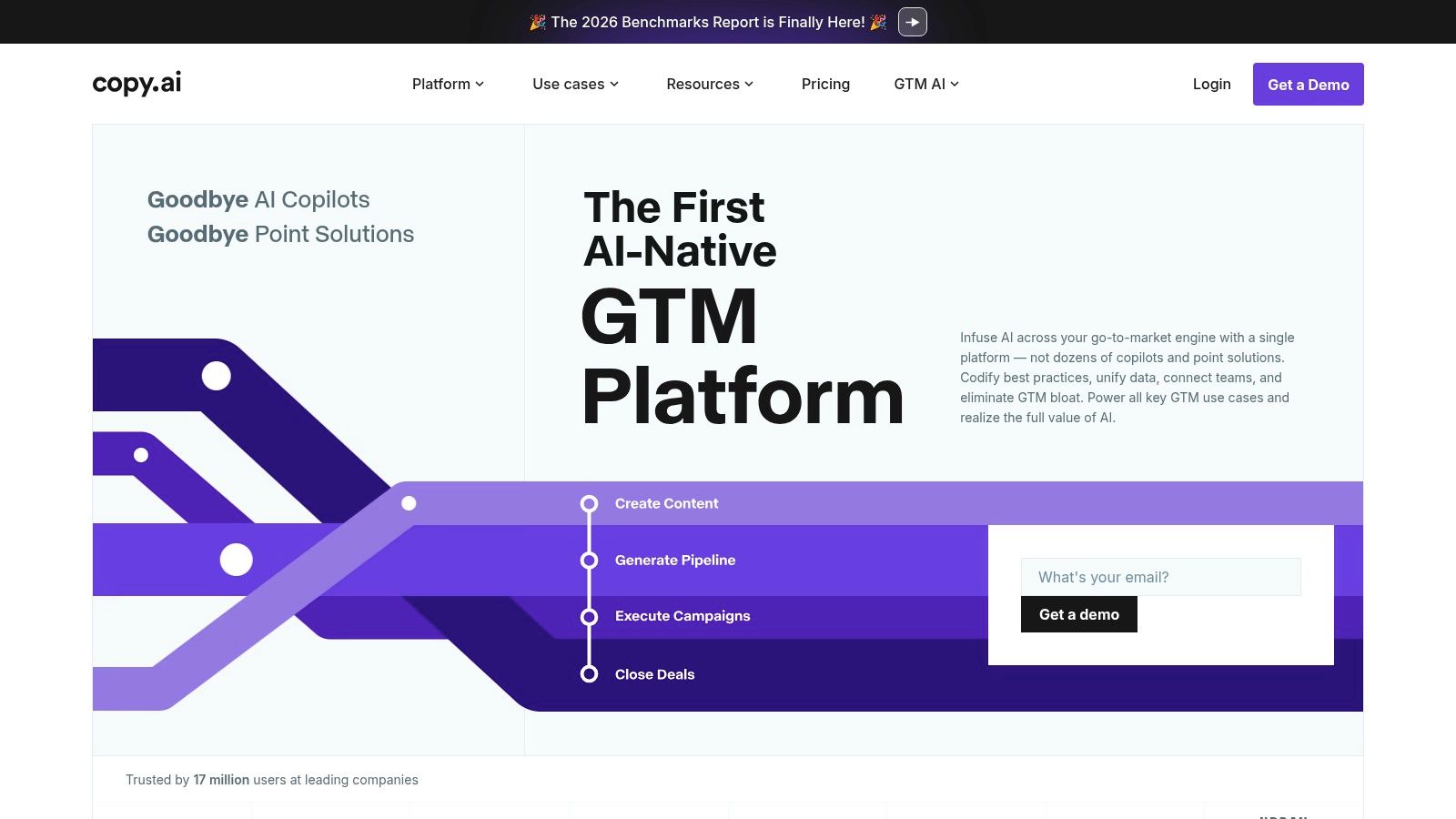
Best for teams turning repeatable briefs into repeatable marketing outputs.
Consider an agency that repeatedly converts approved campaign briefs into LinkedIn posts and advertising variations. A chatbot can perform the writing, but staff still have to repeat the instructions and organize the results. Copy.ai is more relevant when the team wants to configure that recurring process.
Its chat and workflow capabilities serve different needs. Chat supports flexible requests, while workflows can combine research, generation, and integrations into a more standardized sequence.
Standardize the task before automating it
Copy.ai works best when you can describe the input, required output, and review criteria clearly. If every brief arrives in a different format and nobody agrees on acceptable copy, workflow automation will reproduce that inconsistency.
Start with a narrow process, such as generating LinkedIn drafts from an approved product brief. Keep the factual input controlled and require editorial approval before publication.
A repeatable workflow is useful only when someone owns the exceptions.
The main purchasing caution is usage accounting. Workflow credits are separate from unlimited Chat words, so don't assume an allowance for conversation also covers repeated automated runs. Check how your intended task consumes credits and which integrations require a different plan.
Setup and maintenance are the other costs. A solo creator may finish faster with a direct prompt than with a configurable process. For straightforward caption work, compare that overhead against an AI social media caption generator.
Skip it if your requests change constantly, your briefs aren't standardized, or you only need occasional social captions.
6. Anyword
Best for performance marketers who will use copy evaluation alongside actual campaign testing.
Anyword combines marketing text generation with predictive performance scoring and copy-improvement tools. That makes it different from a general assistant whose main output is another draft. The appeal is having a structured way to compare messaging variations before choosing what to test.
For an advertiser, that can be more useful than generating endless alternative headlines. The decision still needs a clear hypothesis: does the audience respond to convenience, a specific feature, or a different explanation of the offer?
Use scores to prioritize tests
A predictive score isn't a promise of engagement, clicks, or revenue. Creative execution, targeting, placement, and the offer itself affect what happens after publication. Treat scoring as an aid to judgment, not as approval to stop testing.
- Messaging comparison: Generate variations around distinct benefits rather than superficial word changes.
- Brand guidance: Use Brand Voice settings to keep experiments within acceptable language.
- Editorial support: Blog Wizard and plagiarism-checking features can assist production, but neither establishes factual accuracy.
The plan trade-off is access to the capabilities your team intends to use. Check seat allowances, brand settings, and advanced data features before choosing a subscription. A copy generator isn't good value just because it produces more variations than your team can evaluate.
Anyword is a focused choice for marketers who already measure campaign outcomes and want another input into creative selection. It's less compelling when your main obstacle is an empty publishing queue.
Skip it if you won't run meaningful tests, or you mainly need scheduling rather than performance-oriented copy evaluation.
7. Canva Magic Write
Best for creators whose copy is part of a graphic, presentation, or document.
A carousel headline can read well in a document and still fail inside a design. It might wrap awkwardly, overwhelm the slide, or repeat information already shown visually. Canva Magic Write is useful because you can generate and refine text close to the asset where it will appear.
Magic Write supports tasks such as social copy, advertising text, bios, outlines, and brainstorming inside Canva's workspace. Free access is available subject to usage limits, with access also available through paid account types.
Write for the available space
For a carousel, begin with the main point of each slide. Generate supporting text only after deciding what the image, chart, or layout already communicates. Otherwise, you'll spend the design session shrinking text to accommodate an overlong draft.
The convenience is strongest for people already building assets in Canva. There's less reason to move copy through a separate assistant when the task is a clearer headline or a shorter supporting sentence.
- Best use: Draft and tighten text while assessing visual hierarchy.
- Main limitation: Design-centered generation isn't the same as a dedicated content operations workflow.
- Review requirement: Check accuracy and originality before using generated text in a finished asset.
Canva itself warns that generated text may be inaccurate or not unique. Don't treat a clean layout as evidence that the underlying claims are sound. This guide on how to use AI for content creation offers a broader starting point for combining generation with human review.
Skip it if you rarely create visual assets, or you need a dedicated system for multi-account social publishing.
How the 7 AI Content Generators Compare on Access, Cost Entry Points, and Best Use
| Item | Free Option | Paid Entry Point | Best For | Publishes Posts |
|---|---|---|---|---|
| SleekPost | 7-day free trial | Starter: $5.40/month, billed yearly | Scheduling and managing social posts across platforms | Yes |
| Buffer AI Assistant | Free plan includes AI Assistant | Paid plans available; price not specified | Drafting and refining social copy with publishing tools | Yes |
| ChatGPT | Free access available | Paid plans available; price not specified | Flexible content creation and conversational editing | No |
| Jasper | 7-day free trial | Paid plans available; price not specified | Marketing teams needing brand-guided content | Not stated |
| Copy.ai | Free option not specified | Self-serve plan available; price not specified | Repeatable marketing and business workflows | Not stated |
| Anyword | 7-day free trial | Starter plan; price not specified | Marketing copy with performance-oriented scoring | Not stated |
| Canva Magic Write | Canva Free, with usage limits | Paid Canva plans; price not specified | Creating copy alongside visual designs | No |
Match the Tool to Your Workflow, Then Test One Week
Return to that Monday queue. If your ideas are ready but the posts aren't scheduled, another standalone writing tool may just create more drafts to transfer. Start with SleekPost or Buffer when your main task is adapting and publishing social content.
If you need help developing arguments, outlines, and varied content formats, ChatGPT is a practical drafting choice. If the drafts are fine but contributors keep missing the brand voice, evaluate Jasper. Marketers standardizing repeated production should weigh Copy.ai, while performance teams can assess whether Anyword's evaluation features improve their testing decisions.
Already designing in Canva? Test Magic Write before adding another subscription. Keeping copy beside the visual may remove the specific step that's slowing you down.
Compare finished work, not demonstrations
Pick two candidates and run the same approved brief through each. Include the audience, source facts, desired action, brand examples, and channel requirements. Then publish the reviewed results and compare editing time and engagement over seven days before committing to a paid plan.
- Record human effort: Count time spent correcting claims, rewriting generic language, formatting assets, and transferring content.
- Inspect the handoffs: Note where links, images, approval comments, or channel-specific edits become disconnected.
- Judge usable output: Favor the tool that helps you publish accurate, appropriate content, not just produce more text.
Keep the comparison fair by using similar formats and posting conditions. Engagement over a short trial is directional, not proof that a generator caused the result. Editing effort is often easier to interpret because you can identify exactly which corrections each draft required.
Human review deserves its own place in the workflow. According to the marketer survey covered by MediaPost, 71.1% of respondents review or edit most AI-generated content before publishing.
Use that review to add substance, not just remove robotic phrases. Verify claims, sharpen examples, and humanize AI drafts with editorial judgment.
The best AI content generator is the one that leaves you with less unfinished production work and a manageable review process.
SleekPost combines AI-generated social drafts with per-platform customization, media management, and scheduling in a clean dashboard. If your bottleneck is moving from an idea to a published post, visit SleekPost and test that complete workflow with your next content batch.